
Something we have talked about before is VMware vSphere NIC teaming. We started out simply, with an introduction, and talked about two of the easiest VMware load balancing algorithms to use: route based on originating virtual port and route based on physical NIC load. Now, I want to take some time to take a look …
VMware
One of the most important parts of a new VMware vSphere 6.7 U1 deployment is updating your VMware license. This should be a part of any validation plan you perform before the environment goes live. Unfortunately, I did not listen to my own advice, and when I logged into my VMware vSphere Client, I saw …
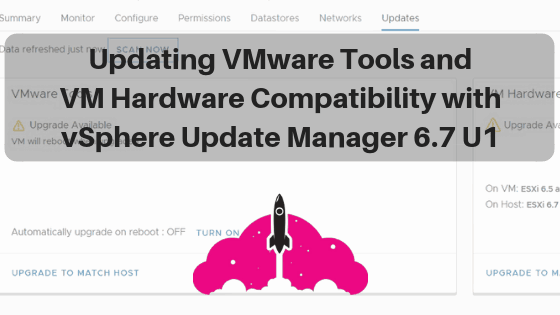
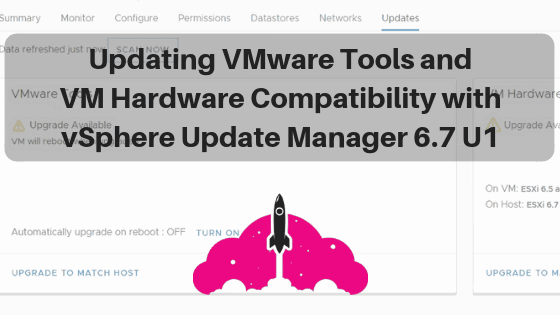
Updating VMware Tools and VMware virtual hardware (which is also commonly referred to as VM hardware compatibility these days) are very important steps in your vSphere upgrade process. As of VMware vSphere 6.7 U1, you can now upgrade these both by using the new VMware vSphere Client, which is HTML5 based. Want to learn more …
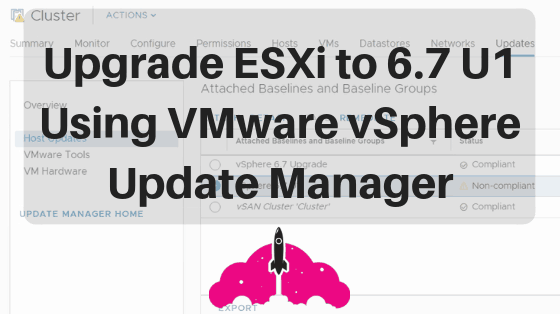
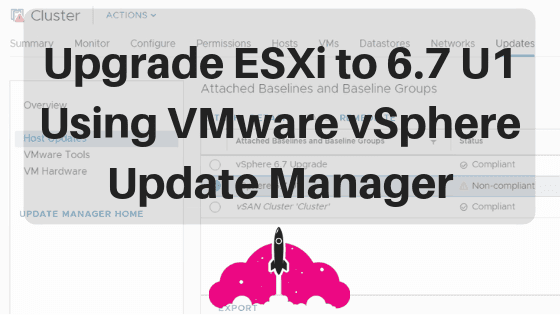
Thanks to VMware vSphere Update Manager, updating to ESXi 6.7 U1 is very easy. The important thing to remember is that the first step in upgrading to vSphere 6.7 U1, is updating your VMware vCenter Server Appliance to 6.7 U1. You can find a guide here to help you with that process. If this …
When it comes to upgrading your VMware vSphere environment, the first thing that needs to be done is upgrading your VMware vCenter Server Appliance, or the VCSA. In this case, I am upgrading the VMware vCenter Server Appliance to vSphere 6.7 U1 from vSphere 6.7. The Easy Way to Perform Your VCSA Upgrade to vSphere …
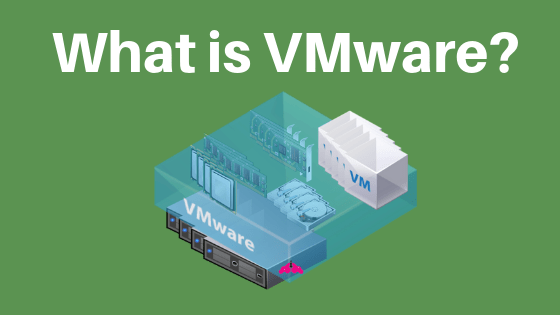
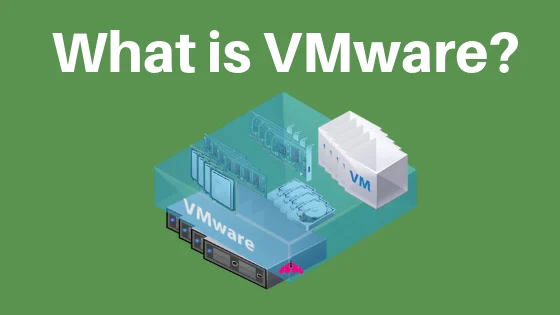
If you are asking yourself the question “What is VMware?”, you have come to the right place. VMware is a company which was founded in 1998. Today, the company has evolved and has many many products and services to offer customers in the Information Technology (IT) industry. When someone is referring to simply “VMware” they …