
When it comes to setting up a new VMware vSphere environment, there are many things that must be considered. While it is not hard to install VMware products, making a few decisions up front can make things a lot easier later on. One key task in this process is to install ESXi, or the hypervisor …
VMware

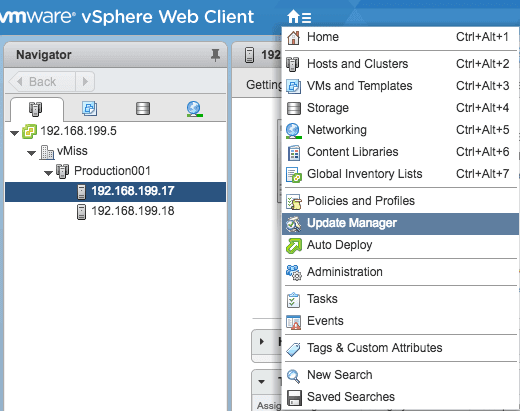
The vCenter Server Appliance has come a long way since its release in vSphere 5.0. It’s gone from “I think it will be a good solution for my lab” in vSphere 5.0 to “wow, I can support as many hosts and clusters as Windows!” in vSphere 6.0. vSphere 6.5 introduces the new era of vCenter, …
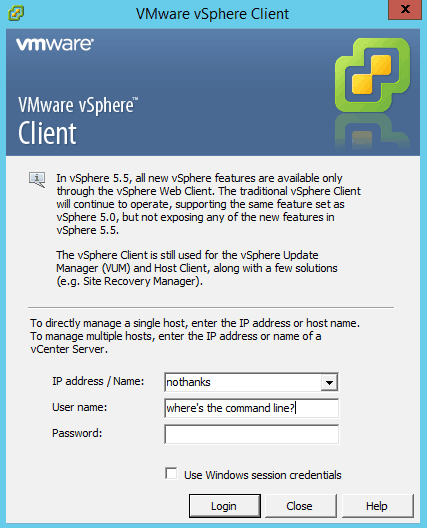
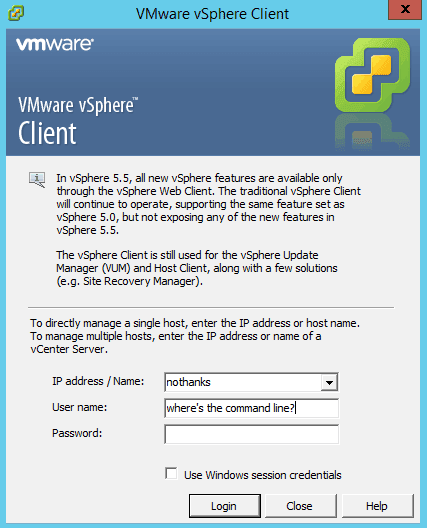
VMware vSphere command line management has always been a big part of managing a vSphere environment. Back in the earlier days of ESX, many used the service console for running scripts, typing commands, or using third party management tools. The introduction of ESXi killed the service console, and attempted to lock down VMware vSphere command …

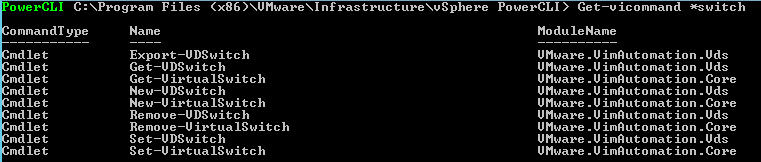
This article is a continuation of the series I like to call Fumbling Through PowerCLI. My goal is to provide an overview of learning and using PowerCLI by logically working through how to accomplish common administrative tasks. I also like to demonstrate how we can use features within PowerCLI to teach ourselves, and well, fumble …
Do you like learning about all things VMware? Ever find yourself with that weird type of downtime where you don’t necessarily have anything to do, but don’t want to resort to just surfing around the internet? Your answer may be VMware’s CloudCred. #CloudCred, which can be found at CloudCredibility.com lets you do VMware related tasks …
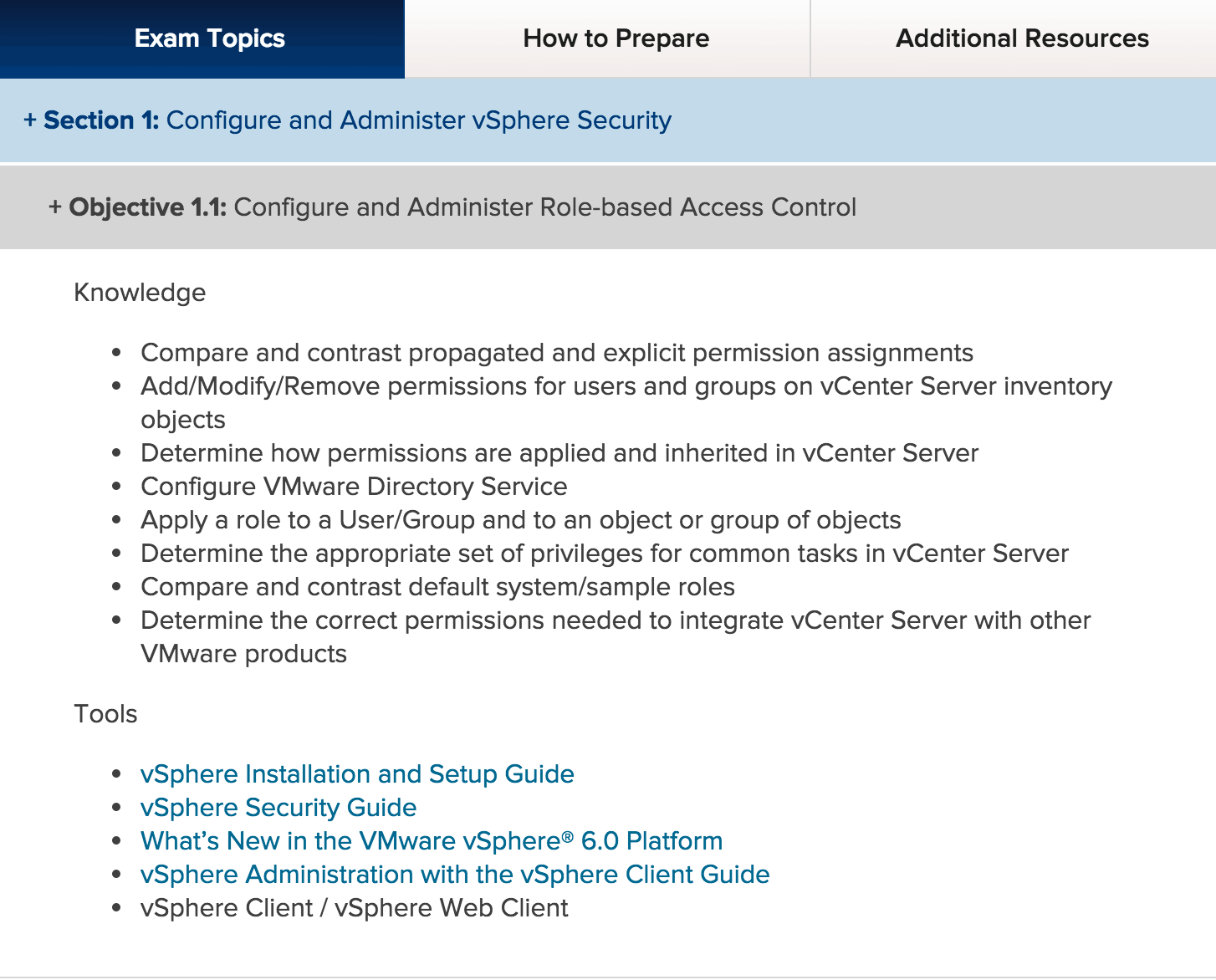
For those of you who are VCP certified on VCP 5, tis the season for your upgrade! Last year I took the online VCP 5.5 Delta test to extend my VCP 5. Unfortunately, if you’re going the VCP 6 Delta route, you will need to go to a Pearson VUE testing center. You have 90 …